Product
Own the Video, the Player, and the Email Address It Collects

Last month's update, Video Channels, turned a set of videos into one branded page with one embed code. The question that follows every video demo since then has been the same one: why should we move our patient education library off a consumer video platform like YouTube?
When it comes to deciding where to store your videos, the two options most familiar to you both cost you something. Put the library on a consumer video platform, and a third party sees which of your patients watched which video. Serve the files off your own server, and you get a file that plays without the player, the captions, the embed settings, or the reporting that make video worth producing.
Ours Privacy is the third option. And with this release, it covers everything marketing needs: hosting, a player you can place on any page on your own domain, a library page, a lightbox, an email address collected inside the player, calls to action, analytics, and the whole library under the control of your own code. Here's what's new:
Play Video in a Lightbox
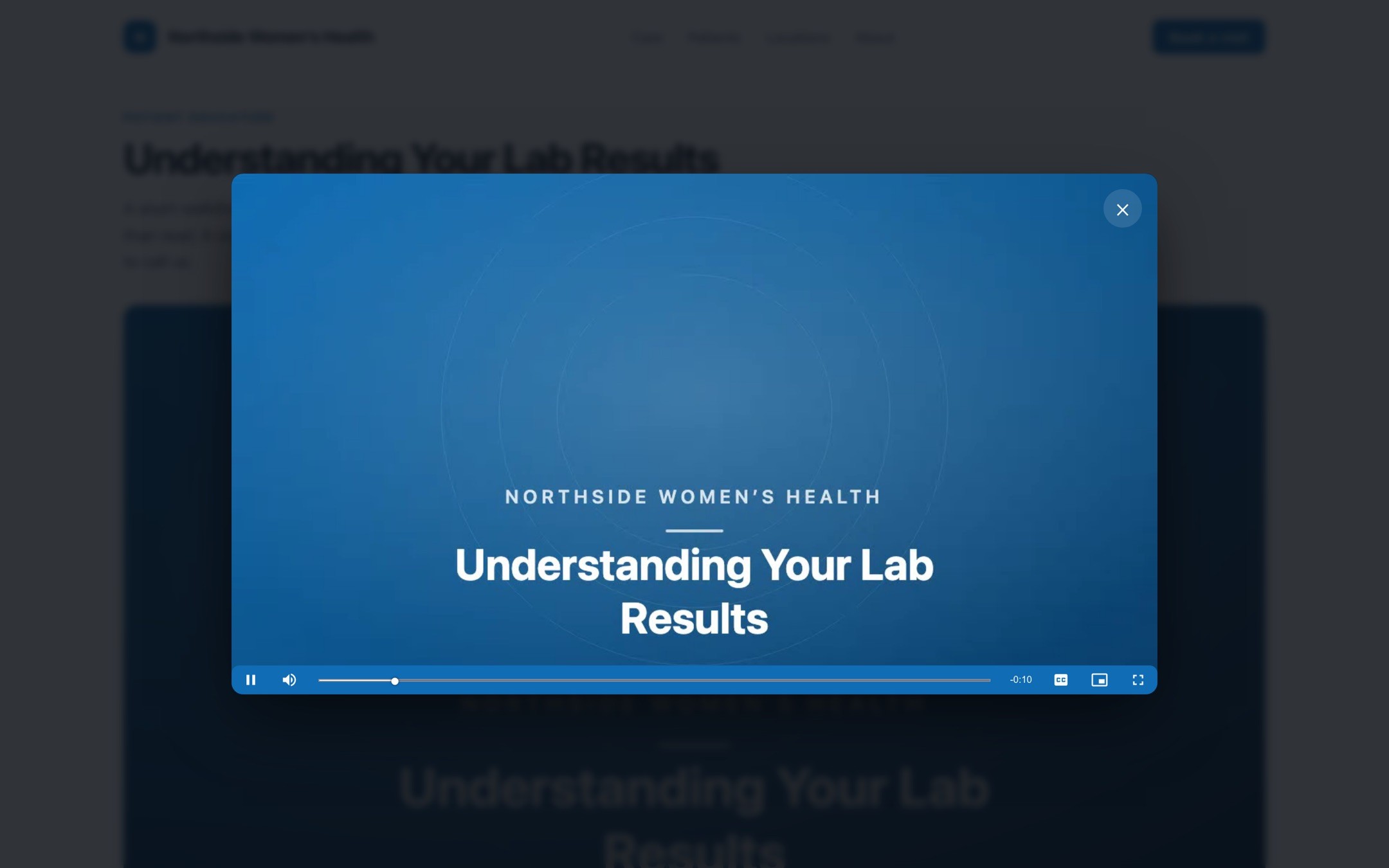
A video sitting in a column of text competes with the copy around it. Set the embed to open in a lightbox instead and the player launches over the page in a focused overlay, with the page dimmed behind it. The overlay closes when the user clicks the close button, clicks outside the player, or taps the Escape key, and closing the overlay returns keyboard focus to whatever the visitor was on before.
What's new:
Four ways to launch it. A thumbnail someone clicks, a text link with your own wording, time on the page, or a URL parameter.
Time on page, once. Set a delay between one and three-hundred seconds. The lightbox opens once per browser session rather than every time someone navigates back to the page.
A link that opens the video. With the URL parameter trigger, a link in an email or a text message opens the page with the video already playing. The video lives in the page, and the link decides whether it opens.
Sound when a person asks for it. A lightbox launched by a click can request audio, because the visitor's own action allows it. A lightbox that opens on a timer or from a URL opens muted, which is what browsers permit and what a visitor expects.
Configure a video once and every future embed of that video starts from those settings. Display mode, aspect ratio, player color, autoplay, controls, loop, the launch trigger, the link text, and the delay all save to the video, so the person building next quarter's landing page inherits the choices you made instead of starting from the defaults.
For more information, check out the documentation on embed configuration and embedding videos.
Turn a View Into an Email Address
Someone who chose to watch a three-minute video about a knee replacement has already decided you are worth listening to. The form asking them to hear more sits below the video, after the moment has passed. Put the form inside the player instead.
What it does:
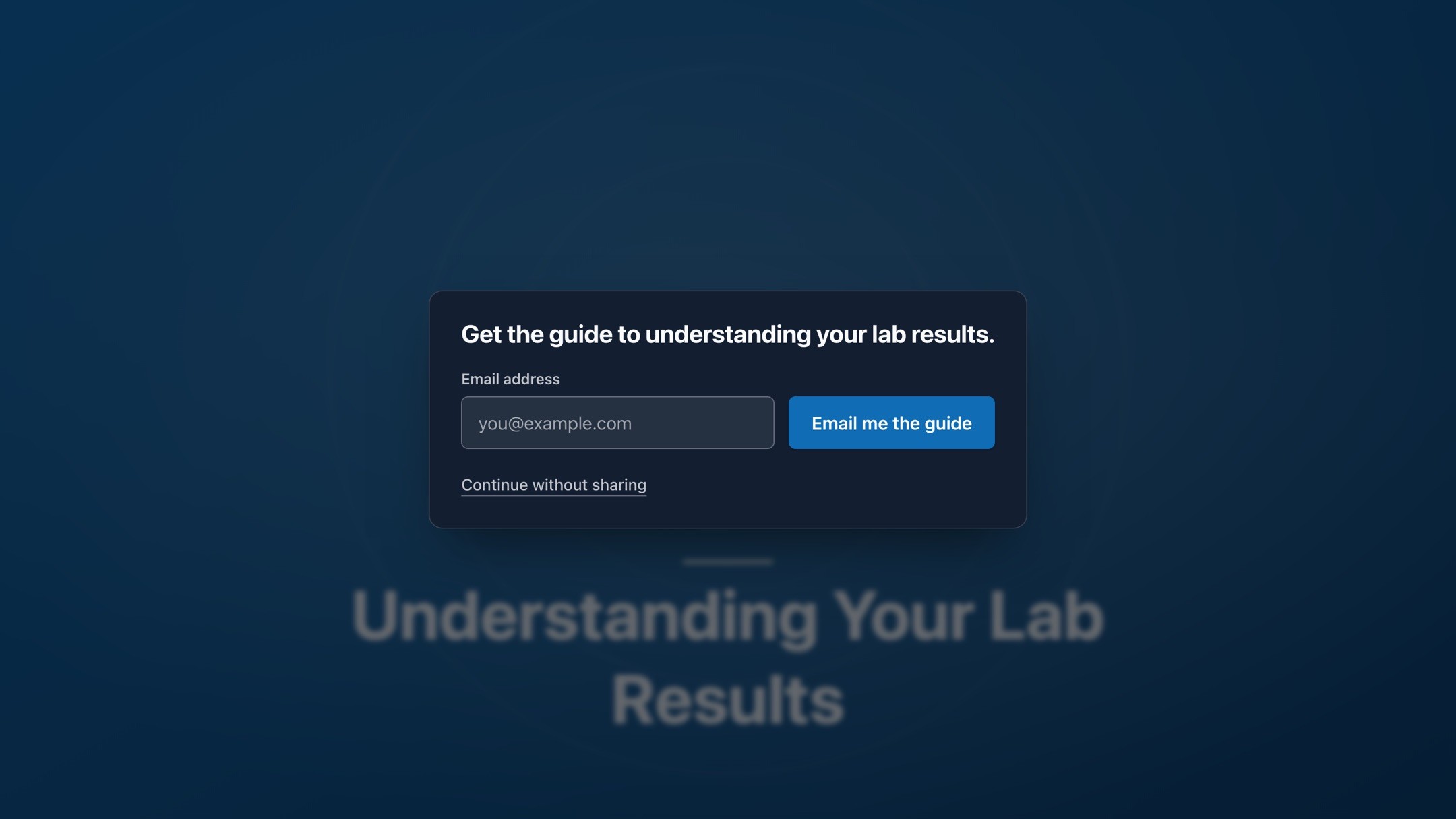
One field, one moment. An email address, with your own offer text and your own button wording. One form per embed, placed before playback starts, at the halfway point, or when the video ends.
Your choice whether the form blocks access. Locked, the form has to be answered before playback continues. Unlocked, a "Continue without sharing" control lets someone past it.
A call to action instead, if a page is the next step. The same slot can hold a headline, a button, and a link rather than a form, for a video whose next step is a scheduling page.
Reporting. Video Analytics counts how often the form was displayed and how often it was answered, so a form nobody responds to shows up as a number rather than a hunch.
A privacy officer will ask where the address goes before anyone asks how the form looks, so here's how that works. A submitted address enters the platform as a standard form submission event through the Web SDK already on your page. It follows the same allowed-events rules, the same Data Governance configuration, and the same field mappings as every other event on your site. It reaches a destination only if you have allowed that event and mapped it there. The address rides as a visitor property, the same path as any other identifier the SDK carries. There's no separate pipeline and no exception carved out for video, and the sameness is intentional: a new collection point should not come with new rules to learn or new places for data to escape.
Two limits to know before you build a campaign on the form. The interaction settings are written into the embed snippet you copy rather than saved to the video, so if you want to change a live form you'll need to copy the snippet again and replace it. And the form attaches to a standalone video embed rather than a Channel, so a library page does not carry a form.
Run the Library From Your Own Code or Your Own Agent
Videos are on the Platform API now, which puts the library on the same footing as the rest of the platform. List, create, update, and delete videos. Read and replace a transcript. Pull analytics for the whole account or for a single video. Creating a video hands back an upload target you send the file to, then you poll for the processing state, so an upload is a few calls rather than a screen someone has to sit in front of.
Transcript replacement takes WebVTT or SubRip and normalizes to WebVTT. Correcting a misheard drug name across forty videos becomes a script you run instead of an afternoon someone loses.
Anything that can call an HTTP endpoint can drive your library: a step in the pipeline your video vendor already runs, a job in your own build, or an agent you hand the task to. Videos produced somewhere else land in Ours Privacy, get their captions fixed, and report their numbers back without a person uploading a single file by hand. See the Videos API documentation.
What's Next
Playback inside a Channel still reports per video, so right now, Video Analytics lists the videos individually rather than listing the Channel as a unit. Channel-level reporting is our next piece of video work. Extending the in-player ask to Channels sits behind it.
If your patient education library is on a consumer video platform and you would rather it was on your own domain, book a demo and we will walk through what moving it looks like.
Related Articles
Newsletter
Stay up to date
Subscribe for privacy news, feature updates, events, etc.
